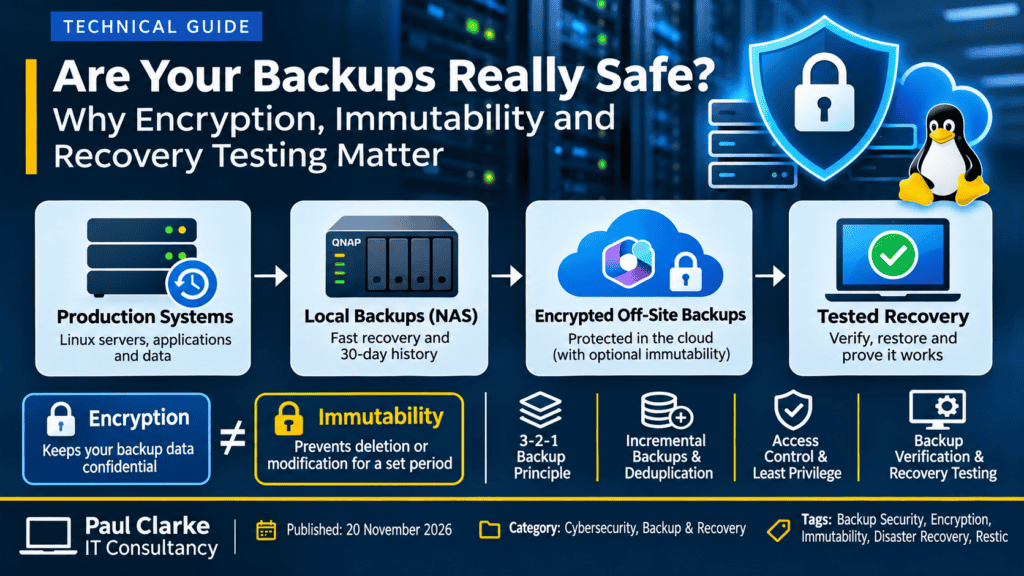
Backup Security is critical! Having a backup does not necessarily mean your data is safe. Many businesses invest in backup solutions, configure automated schedules and receive daily reports confirming that their backups have completed successfully. Unfortunately, far fewer consider what happens if the backup infrastructure itself becomes the target of a cyberattack. Ransomware, compromised administrator…
Read more
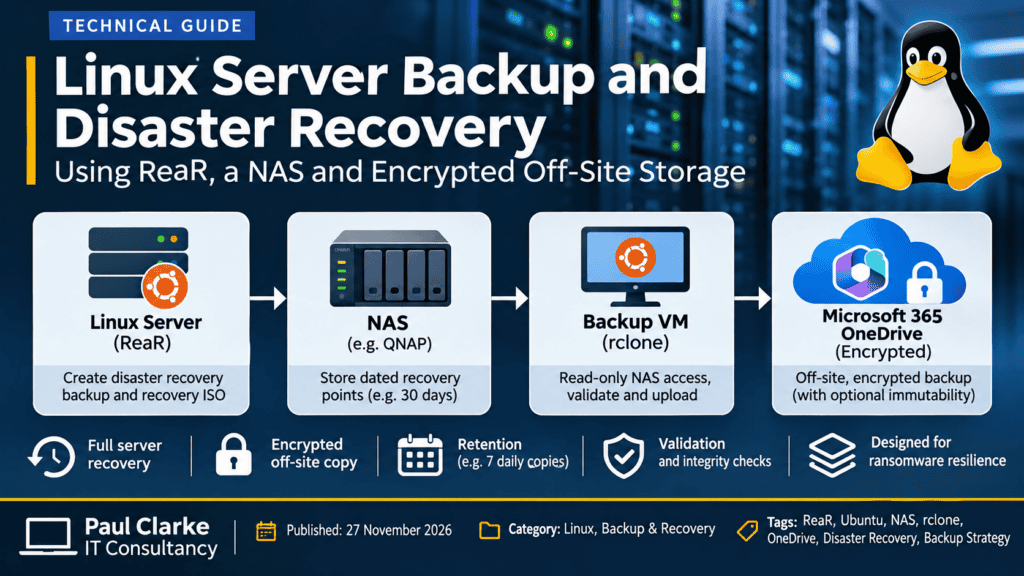
A Linux server backup is only useful if you can successfully restore it. For businesses running critical Linux servers, protecting files is important, but being able to recover an entire operating system, its configuration and its applications following a failure is equally essential. I’ve recently been developing a disaster recovery solution for my own Ubuntu…
Read more

WordPress is one of the most widely used content management systems in the world, making it a frequent target for automated attacks. Fortunately, with the right security controls, many of these attacks can be stopped before they become a serious problem. On 19 November 2026, my own consultancy website experienced repeated suspicious requests and failed…
Read more
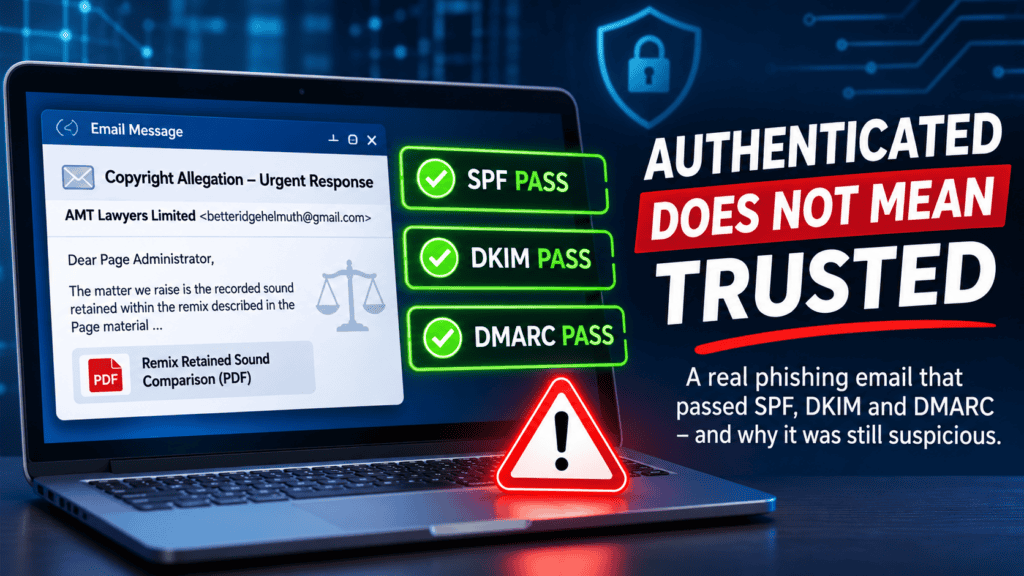
SPF passed. DKIM passed. DMARC passed. Microsoft 365 accepted the message. Yet the email was highly suspicious. On 19 November 2026, I received an email claiming to be from a UK firm of solicitors acting on behalf of an esports organisation. The message alleged that my consultancy’s Facebook page had infringed copyright by using a…
Read more

Does an older laptop really need replacing simply because it cannot officially run Windows 11? With the right hardware, a suitable operating system, and a little technical knowledge, many ageing computers can remain useful long after their original operating system has reached the end of its supported life. Recently, I decided to put this theory…
Read more
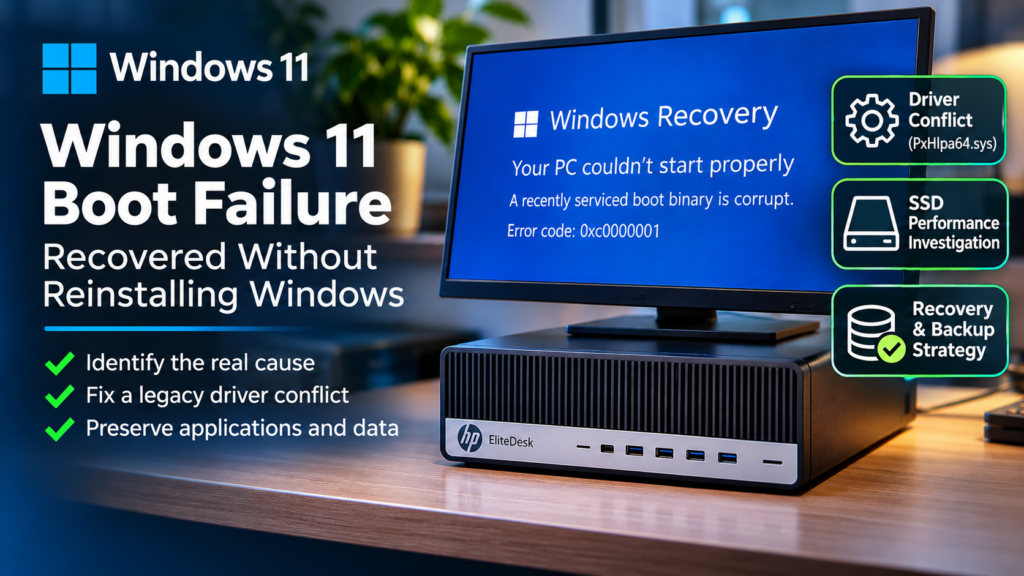
When Windows 11 refuses to boot, reinstalling the operating system is not always the answer. A failed startup can be caused by damaged system files, incompatible drivers, problematic updates, or storage issues. Identifying the underlying cause can mean the difference between recovering a customer’s existing computer and rebuilding everything from scratch. Recently, I investigated an…
Read more
Operating system updates, application patching, and driver updates form the absolute cornerstone of modern digital security and system stability. While it is easy to view update notifications as an annoying interruption, delaying them leaves a door wide open for cybercriminals. In today’s interconnected environment, keeping your system safe requires look beyond just operating system updates—you…
Read more
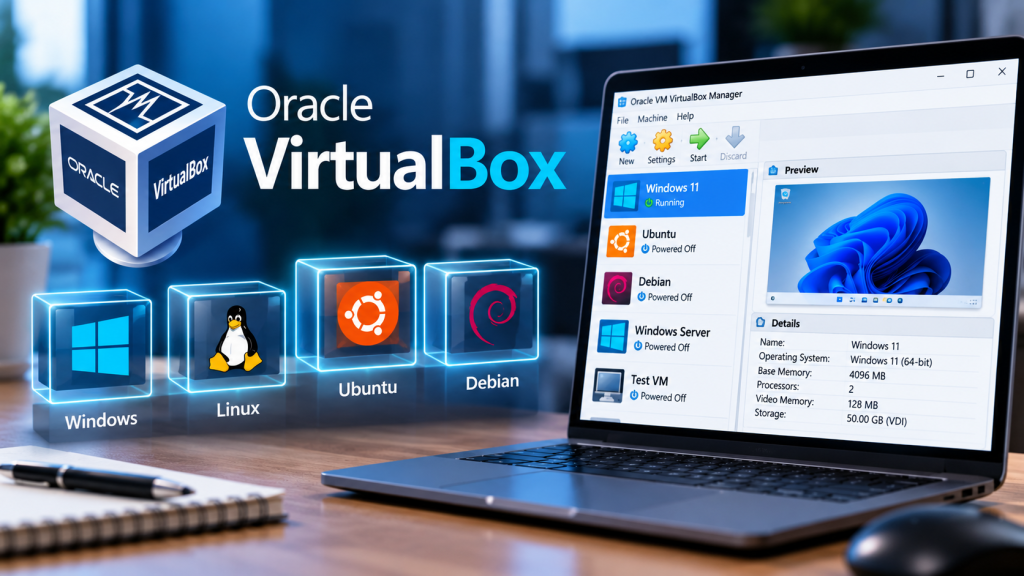
Oracle VM VirtualBox is a highly popular, open-source, and free Type-2 hypervisor used to run multiple operating systems simultaneously on a single computer. Unlike native solutions restricted to specific OS editions, VirtualBox acts as a software application layer on top of your main desktop, making it incredibly accessible, flexible, and cross-platform. Whether you are an…
Read more
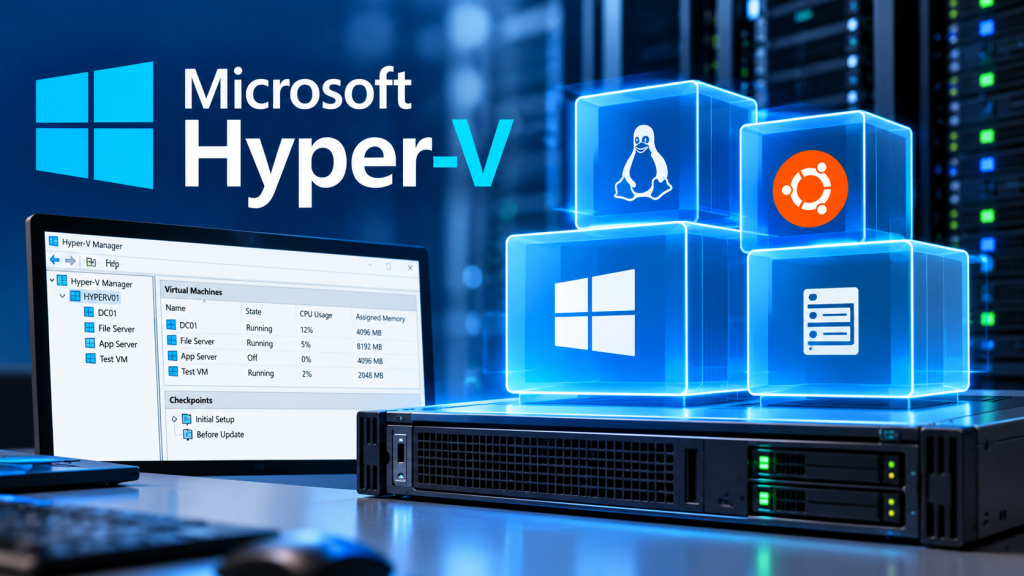
Microsoft Hyper-V is a native, bare-metal (Type-1) hypervisor built directly into Windows 11. Unlike standard software-based virtualisation, Hyper-V runs directly on your computer’s hardware, allowing you to create and manage multiple virtual machines (VMs) with incredible speed and efficiency. Whether you need to test software across different operating systems or set up a secure lab…
Read more
Windows Sandbox is a lightweight, isolated desktop environment built directly into Windows that allows you to run untrusted software safely. Think of it as a disposable virtual machine (VM) that spins up in seconds and completely vanishes the moment you close it, leaving your main operating system perfectly safe. System Requirements: What You Need to…
Read more