
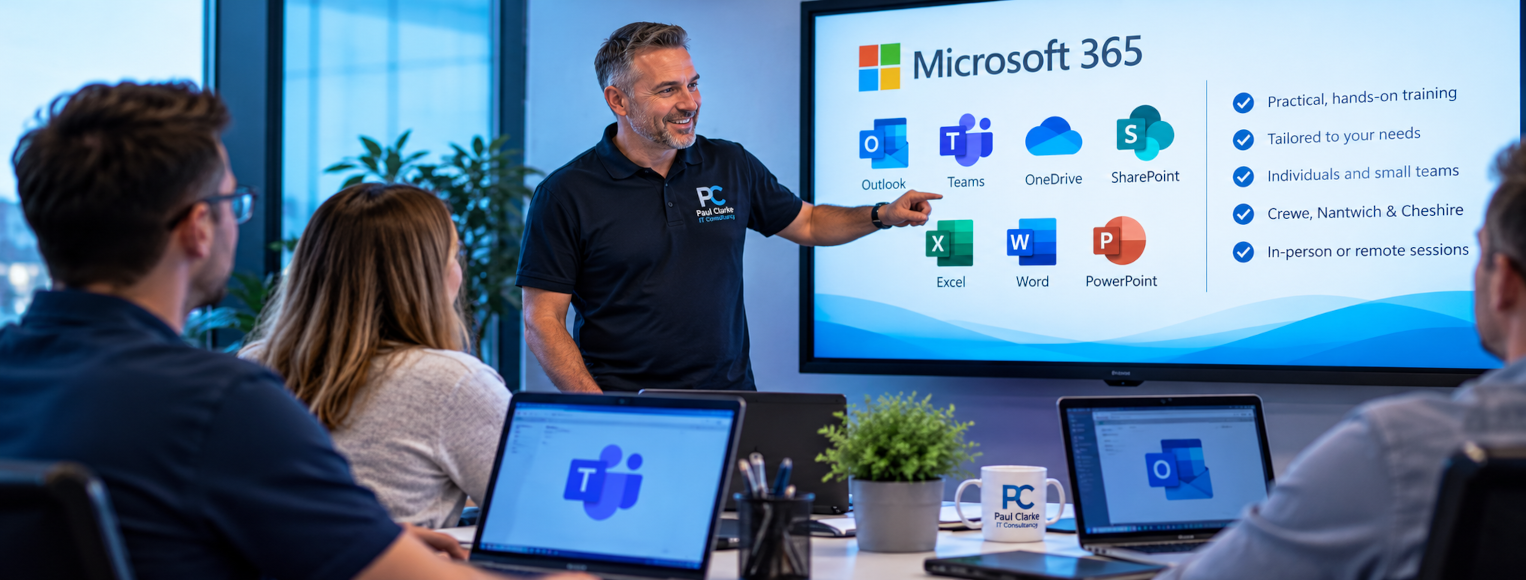
Microsoft 365 Training Crewe – Practical, Patient and Personal
Microsoft 365 Training Crewe is about helping people feel confident with the tools they use every day. I provide practical IT training for individuals, small teams and businesses across Crewe, Nantwich and the surrounding areas.
Rather than following a generic course script, we’ll focus on your real tasks, your existing knowledge and the software you actually use.
Practical Microsoft 365 Training That Makes Sense
Technology is only useful when people feel comfortable using it. Whether you’re learning to manage Outlook more efficiently, collaborate in Teams or organise files in OneDrive, the aim is to make your working day easier.
Sessions can be adapted for beginners and more experienced users. We’ll work through realistic examples and leave plenty of time for questions and hands-on practice.
Microsoft 365 Training Crewe – What Can You Learn?
Training can cover individual applications or combine several tools around the way your team works.
Outlook
Email, calendars, meetings, contacts, signatures, search and practical ways to manage a busy inbox.
Microsoft Teams
Chat, meetings, channels, sharing files and collaborating with colleagues more effectively.
OneDrive
Cloud storage, syncing, sharing, file recovery and understanding where your documents live.
SharePoint
Document libraries, shared files, permissions, version history and team collaboration.
Microsoft Excel
Everyday spreadsheets, formatting, formulas, tables, sorting and filtering.
Word & PowerPoint
Creating clear documents and presentations while using features that save time.
Cyber Security Awareness Training
Not all IT training is about learning which button to press. Recognising suspicious messages and protecting business information are essential everyday skills.
- Recognising phishing emails
- Suspicious links and attachments
- QR code phishing
- Passwords and passkeys
- Multi-factor authentication (MFA)
- Safe file sharing
- Social engineering
- Protecting sensitive information
IT Training Designed Around Your Business
You don’t need to send everyone away on an expensive multi-day course. We can concentrate on the applications, processes and challenges that matter to your organisation.
One-to-One Training
Individual sessions at your pace, with time to ask questions and revisit anything unfamiliar.
Small Group Sessions
Focused training for colleagues who use similar tools or have shared learning goals.
Bespoke Business Training
Sessions built around your Microsoft 365 environment, workflows and everyday tasks.
Introducing New Technology?
Training can be particularly helpful when a business moves to Microsoft 365, starts using Teams, migrates documents to OneDrive or SharePoint, or introduces new security measures.
I can help explain what is changing, why it matters and how staff can use the new tools, reducing uncertainty and unnecessary support calls.
Patient, Jargon-Free IT Training
Not everybody feels comfortable with technology, and that’s absolutely fine. I’ll explain things in plain English, demonstrate them clearly and encourage hands-on practice.
If something needs explaining twice, we’ll explain it twice. If a different approach would help, we’ll find one.
On-Site and Remote Microsoft 365 Training
On-site training is available for individuals and businesses in Crewe, Nantwich and surrounding Cheshire areas. Depending on the subject and your requirements, sessions can also be delivered remotely.
For Microsoft’s own application guides and learning resources, visit Microsoft 365 training and help.
What Would You Like to Learn?
Tell me which applications you use, what you’d like to achieve and where you or your staff need a little more confidence. We’ll build a practical session around those needs.