
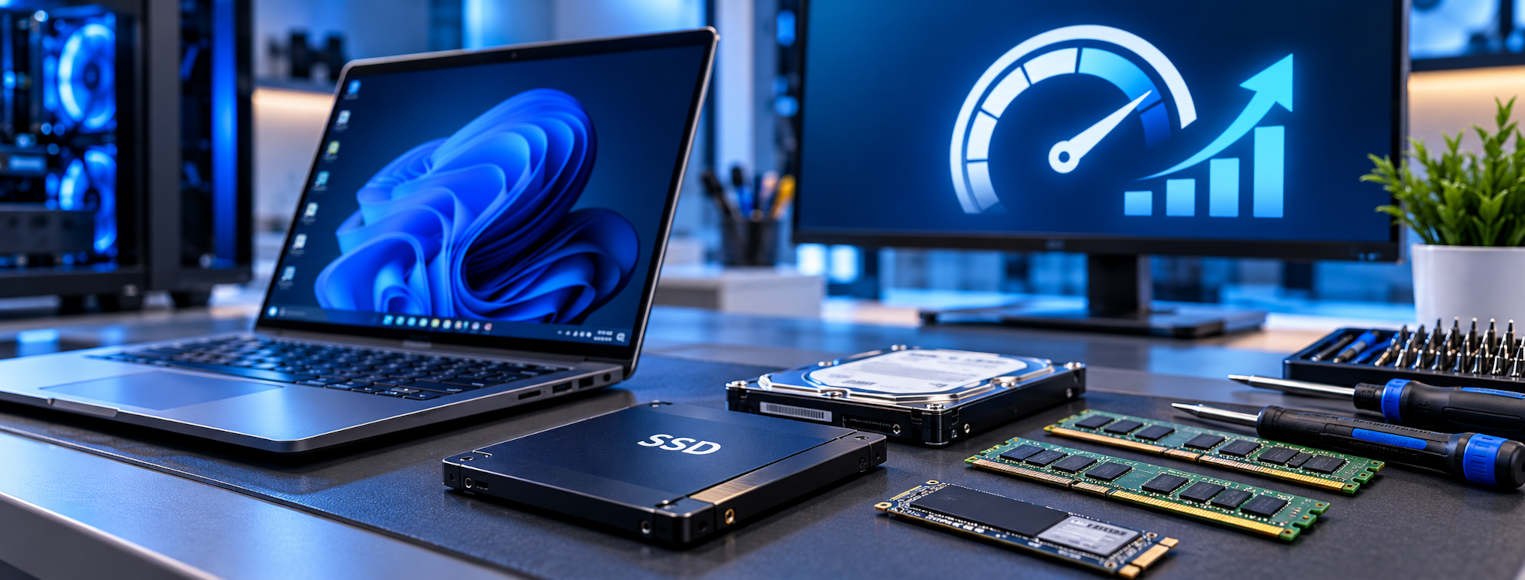
Computer Upgrades Crewe – Give Your PC a New Lease of Life
Computer upgrades in Crewe can make a real difference to an older desktop or laptop. Before spending money on a replacement, find out whether a sensible SSD, memory or software upgrade could improve performance.
I help home users and small businesses across Crewe, Nantwich and nearby Cheshire areas make informed, cost-effective decisions about their computers.
Computer and Laptop Upgrade Services
Not every slow computer needs replacing. The right improvement depends on the hardware you have, what you use it for and the results you want.
SSD & Storage Upgrades
Replace older storage with a solid-state drive to improve startup times, application loading and everyday responsiveness, where compatible.
RAM & Memory Upgrades
Improve multitasking when your PC runs short of memory. I’ll check compatibility and whether more RAM will genuinely help.
Windows Upgrades
Assess whether your computer supports a current Windows release, and explain the options for upgrading or reinstalling safely.
Wi-Fi & Connectivity
Explore compatible wireless, Bluetooth and connectivity improvements when older hardware is holding your computer back.
Desktop Components
Review storage, memory and other desktop components, taking account of your system’s age, compatibility and intended use.
New Computer Migration
If replacement is the better choice, get help moving documents, photographs and compatible applications and settings.
SSD Upgrades – A Practical Performance Boost
Moving from a traditional hard drive to an SSD can make an older computer feel much more responsive. Windows may start faster, programs may load more quickly and routine tasks can become less frustrating.
Where practical, I can discuss transferring an existing Windows installation and data to the new drive, rather than starting everything from scratch.
Does Your Computer Need More Memory?
Browsers and modern applications can consume a surprising amount of RAM. If performance drops when you have several applications or browser tabs open, additional memory may help.
Some laptops have soldered or limited memory, so I’ll check the specification and likely benefit before recommending parts.
Windows Upgrades and Compatibility
Running a supported operating system matters for security and software compatibility. I’ll assess your hardware and explain whether a supported Windows upgrade is feasible, whether other improvements are needed first or whether replacing the computer makes more sense.
I won’t recommend forcing an unsupported Windows installation onto unsuitable hardware just to keep an old PC going.
For official system requirements, see Microsoft’s Windows 11 specifications.
Upgrade or Replace? Let’s Make the Right Decision
When an upgrade may be worthwhile
- The computer is reliable and otherwise meets your needs
- Storage or RAM is the main bottleneck
- Compatible parts are available at a sensible cost
- The operating system can remain supported
When replacement may be wiser
- Important components are failing or worn out
- Upgrade costs approach replacement value
- The system cannot run a supported operating system
- Your work needs more performance than upgrades can provide
What Happens to My Files?
Your documents, photographs and other data are important. Before work that could affect storage or Windows, I’ll explain the options and discuss backup or migration requirements with you.
Where appropriate, I can help transfer files to upgraded storage or a replacement PC. Data recovery or migration outcomes depend on the condition of the original equipment and the available backups.
Save Money and Reduce Electronic Waste
Keeping suitable equipment in use for longer can save money and reduce unnecessary electronic waste. The goal isn’t to keep every computer forever; it’s to replace equipment when there’s a good reason, not simply because it’s started to feel slow.
Local Computer Upgrades in Crewe and Nantwich
I provide friendly, practical advice for home users and businesses across Crewe, Nantwich and surrounding areas. We can discuss your existing PC, what you’d like it to do better and whether an upgrade is financially worthwhile.
Need something fixed rather than upgraded? Explore my computer and laptop repairs service, or see my Wi-Fi and networking services for connectivity issues.
Thinking About a Computer Upgrade?
Tell me what computer you have, what you use it for and what’s frustrating you. I’ll help you decide whether to upgrade or replace it.